
Less Stress. More Control—From the Palm of Your Hand
Life moves fast—and your banking should move with you. With mobile banking at German American State Bank, you can securely manage your money anytime, anywhere. From checking balances and paying bills to depositing checks and transferring funds, it all happens with just a few taps.
Our mobile banking experience is powered by Foresight Bank, delivering modern tools backed by the same local team you know and trust. Whether you’re at home, at work, or on the go, you’ll have control and confidence right in your pocket.
What You Can Do with Mobile Banking
Real-time account access – View balances and transactions instantly
Mobile deposit – Deposit checks in seconds using your phone’s camera
Bill Pay & transfers – Pay bills and move money anytime
eStatements – Go paperless and stay organized
Smartwatch compatibility – Check balances right from your wrist
Biometric login – Secure access with face or fingerprint ID
Card controls – Lock or unlock your debit card instantly
Secure messaging & live chat – Get help without making a call
Outside account linking – See all your finances in one place
My Spending – Track spending and set simple budgeting goals

Mobile Deposit
Mobile Deposit lets you deposit checks anywhere and anytime you want, right from your mobile device!
To deposit a check:
- Endorse the back of the check with your signature, "For Mobile Deposit Only," and your deposit account number in the designated endorsement area.
- Select the Deposit icon
- Follow the instructions; you will be asked to enter the dollar amount and to take a picture of the front and back of the check
Once you submit the deposit, funds will be available within 2 business days. If there are any issues we will contact you. We suggest keeping your check for 30 days.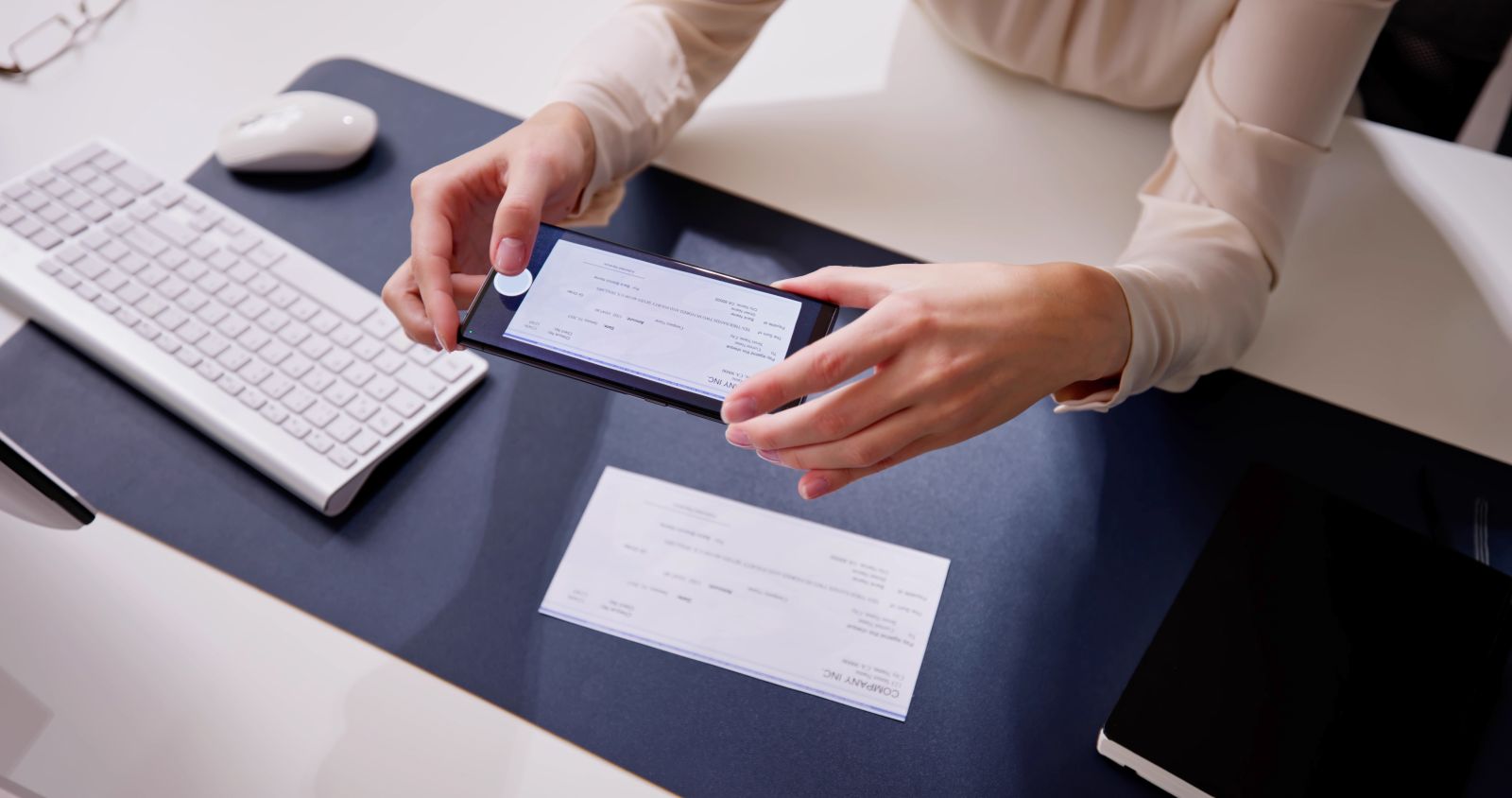
Download and Get Started
The Foresight mobile banking app is available for Apple and Android devices. Choose your app store provider below to download and enroll in our mobile banking app.
.png)
Go Paperless with eStatements in the App
An eStatement is an electronic copy of account statements that you can view, save or print. Any checking, savings or money market account is eligible to receive eStatements. When you sign up for eStatements, you will no longer receive your paper statement in the mail. You can switch from e-Statements to paper statements any time by changing your delivery options right in online or mobile banking.*
To sign up within mobile banking, follow the steps below:
- Choose the menu, then choose eStatements.
- Review the disclosure and scroll to the bottom to continue.
- Review the verification code and type in the numbers or letters presented. If you are enrolling on an Android device, click Open in the Get Disclosure PDF Code Only box at the bottom of the page to obtain your verification code.
- Review and agree to the disclaimer by clicking I Accept.
- Click Delivery Preferences to establish and verify your settings.
*If you change a delivery preference to paper statements, you may be charged a fee depending on your account type.
Want to Use Bill Pay on the App?
Our Digital Banking page provides the steps to request access and get started.
Learn More